 Podit
Podit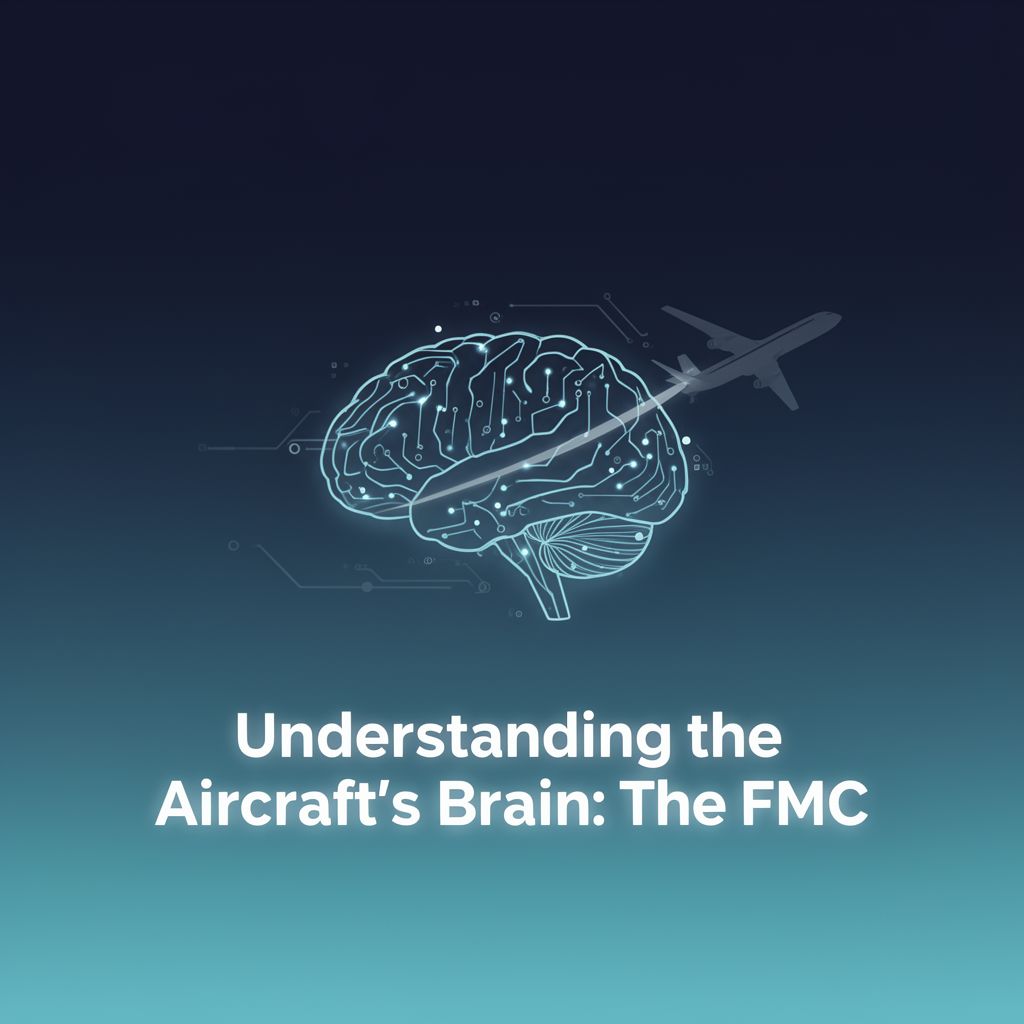
✈️ Flight Management Computer (FMC): A Comprehensive Study Guide
Introduction
Welcome to this study guide on the Flight Management Computer (FMC)! This essential piece of technology is the "brain" of modern aircraft, responsible for planning, optimizing, and guiding flights. By the end of this material, you will have a solid understanding of what the FMC is, why it's crucial for pilots, and how it contributes to safe and efficient air travel.
📚 What is the Flight Management Computer (FMC)?
The Flight Management Computer (FMC) is an advanced, integrated onboard system that manages an aircraft's navigation, performance, and guidance throughout a flight. It acts as a central hub for flight-related data and calculations.
Key Functions:
- Navigation: Determines the aircraft's precise position and plots the flight path.
- Performance: Calculates optimal speeds, altitudes, and fuel consumption.
- Guidance: Provides commands to the autopilot and autothrottle systems to follow the planned route and performance parameters.
💡 Why is the FMC Essential?
Before the advent of FMCs, pilots relied heavily on manual calculations, paper charts, and ground-based navigation aids. This method was effective but labor-intensive and prone to human error. The FMC revolutionized aviation by:
- Reducing Pilot Workload: Automates complex calculations and guidance tasks.
- Enhancing Safety: Minimizes human error through precise, automated control.
- Improving Efficiency: Calculates the most efficient flight paths, optimizing fuel consumption and flight time.
- Increasing Precision: Ensures accurate navigation and adherence to flight plans.
Imagine a sophisticated car navigation system that not only shows the best route but also calculates real-time fuel usage, suggests optimal speed for traffic, and automatically adjusts engine power for maximum efficiency – that's what the FMC does for an aircraft, but on a much grander scale.
⚙️ How the FMC Works: Inputs, Calculations, and Outputs
The FMC operates by continuously processing vast amounts of data from various sources to manage the flight.
1️⃣ Inputs to the FMC:
The FMC receives data from two primary categories:
- Pilot Inputs:
- Flight Plan: Departure and arrival airports, a series of waypoints (digital markers defining the route), desired altitudes, and speeds.
- Aircraft Specific Data: Current weight, cost index (a value balancing fuel cost against time value), and other operational constraints.
- Aircraft Sensor Data:
- GPS: Provides precise geographical position.
- Air Data Computers: Supply current airspeed, altitude, and outside air temperature.
- Fuel Sensors: Monitor fuel quantity and consumption rates.
- Engine Performance Data: Information on engine thrust and efficiency.
- Inertial Reference System (IRS): Provides attitude, heading, and acceleration data.
2️⃣ Complex Calculations:
Using the input data, the FMC performs intricate calculations to determine:
- Optimal Flight Path: Considers current wind conditions, aircraft weight, and the cost index to find the most efficient route.
- Performance Parameters: Calculates optimal climb, cruise, and descent speeds and altitudes.
- Time and Fuel Estimates: Predicts estimated time of arrival (ETA) and fuel remaining at various points.
3️⃣ Outputs from the FMC:
The results of these calculations are then used to:
- Guide the Autopilot: Sends commands to steer the aircraft along the planned route.
- Adjust Engine Thrust: Modifies engine settings for optimal performance and fuel efficiency.
- Display Information: Presents critical flight data on cockpit screens (e.g., estimated time of arrival, fuel remaining, current position relative to the flight plan).
✅ Learning the FMC: Interacting with the System
The primary interface for pilots to interact with the FMC is the Control Display Unit (CDU), sometimes also called the Multi-Function Control Display Unit (MCDU).
📚 What is the CDU?
The CDU is a small screen with an alphanumeric keypad, resembling an older calculator or computer terminal. It serves as the pilot's direct window into the FMC's operations, allowing for data input, modification, and monitoring.
1️⃣ Key Steps for Pilot Interaction:
-
Power-Up and Initialization:
- Upon powering up the aircraft, pilots initialize the FMC by entering basic data like the aircraft's current position (often from GPS or IRS alignment) and the current date/time.
- This ensures the FMC has a starting point for its calculations.
-
Flight Plan Entry:
- Route Input: Pilots enter the departure airport, arrival airport, and the sequence of waypoints that define the planned route. This can be done manually or by selecting pre-stored routes.
- Performance Data: Inputting aircraft weight, fuel load, and the desired Cost Index. The Cost Index is a crucial parameter that tells the FMC how to balance fuel efficiency versus speed. A higher Cost Index prioritizes speed, while a lower one prioritizes fuel savings.
- Altitude and Speed Constraints: Entering specific altitude or speed restrictions for certain waypoints or flight segments.
-
Review and Verification:
- After entering the flight plan, pilots meticulously review the FMC's calculated route and performance predictions on the CDU and other cockpit displays.
- They cross-reference this information with their paper charts and air traffic control (ATC) clearances to ensure accuracy and compliance.
- Any discrepancies are corrected via the CDU.
-
Monitoring and Modification During Flight:
- Real-time Monitoring: Throughout the flight, pilots continuously monitor the FMC's outputs, such as estimated time of arrival, fuel burn, and adherence to the flight path.
- Route Changes: If ATC issues a new clearance (e.g., a direct route to a waypoint, a holding pattern), pilots use the CDU to input these changes into the FMC. The FMC then recalculates the flight path and performance parameters accordingly.
- Performance Adjustments: Pilots can adjust parameters like the Cost Index or target speeds/altitudes if operational needs change (e.g., to make up time or conserve fuel).
- Weather Avoidance: If weather requires a deviation, pilots can input temporary waypoints or vectors into the FMC to navigate around it, and then re-join the original flight plan.
-
Approach and Landing Data:
- As the aircraft approaches its destination, pilots use the FMC to input approach procedures, runway information, and landing performance data.
- The FMC then guides the aircraft through the descent and approach phases, often integrating with the autopilot for a highly automated approach.
2️⃣ Key Data Displayed on the CDU:
- Flight Plan Pages: Show the sequence of waypoints, altitudes, and speeds.
- Performance Pages: Display calculated speeds for climb, cruise, and descent, fuel predictions, and wind data.
- Progress Pages: Show current position, estimated time to next waypoint, and overall flight progress.
- Navigation Display (ND) Integration: The FMC's calculated flight path is graphically displayed on the cockpit's Navigation Display, allowing pilots to visualize the route.
🌍 The FMC: A Cornerstone of Modern Flight
The Flight Management Computer is far more than just a sophisticated navigation system. It is an integrated, intelligent system that manages navigation, optimizes performance, and guides the aircraft from takeoff to landing. By significantly reducing pilot workload and enhancing precision, the FMC is indispensable for modern air travel, making flights incredibly safe, efficient, and reliable. Without the FMC, the complexity and scale of today's global air transportation system would be unimaginable.